User settings |
  
|
User settings |
|
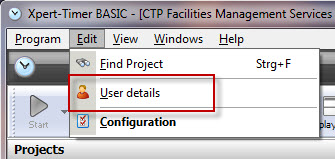
Open your project manager and click on "Edit" in order to open your "User settings".
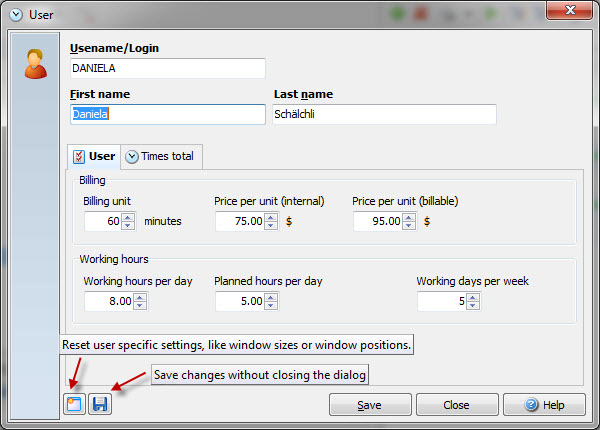
You can set a price per unit (internal) to calculate the costs for your projects. The price per unit (external) is to calculate the revenue you receive for the project. You can display your calculated prices in your time stamp list.
Use "Delete current time stamp", in case you notice, that for no reason, you cannot start a project anymore. Sometimes, especially when using an Access Database, a time stamp gets stuck and needs to be reset.
Reset your Userspecific settings, if you are missing any dialogs or the program doesn't display your time bar any more. You might have checked a box "Don't show this dialog anymore", and now need this dialog. Hold down the Shift button at the moment, you expect the dialog, or reset your user specific settings.
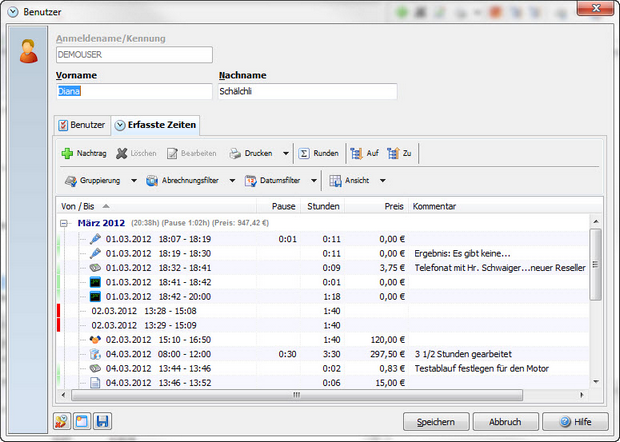
Here you can see the logged times of the user. You can set the same filters as in the timestamp list in order to generate your report.