The areas in your project manager |
  
|
The areas in your project manager |
|
The project manager is the main hub of your Xpert-Timer. Here you add new projects and you can reach all modules and functions of the program. You can open your project manager from your time bar:

or right click on your Xpert-Timer tray bar button.
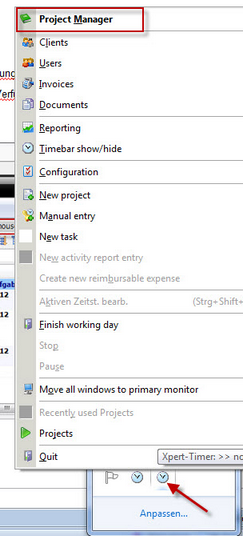
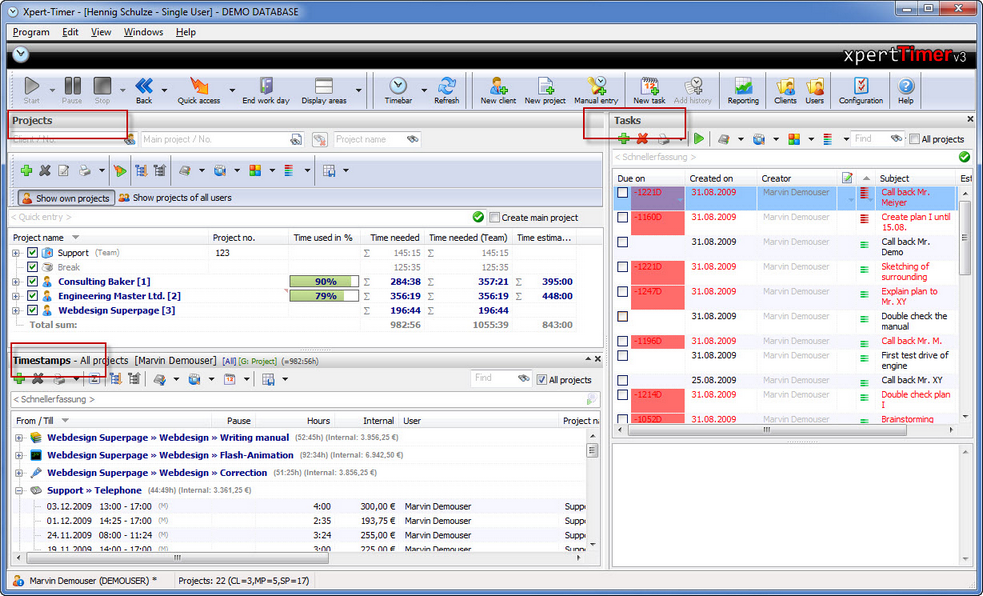
With the standard configuration, you'll see three areas in your project manager:
1.) Projects: This is a list of all your projects you created. You can group them, filter them sort them by multiple options.
2.) Tasks: This is your To-Do list. Here you should enter your daily tasks. You can also group, categorize and filter them.
3.) Timestamps: This is the list of all your created timestamps.
If you right click on your graphical menu bar, you can show your function overview, show/hide the captions or change the size of the symbols.
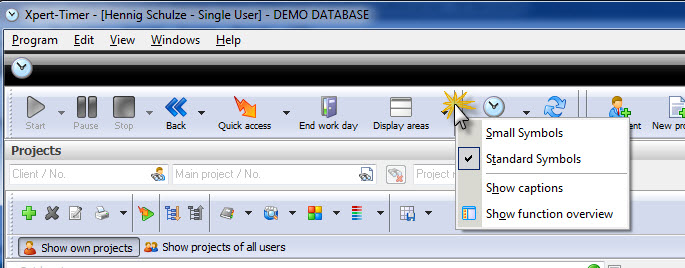
The function overview:
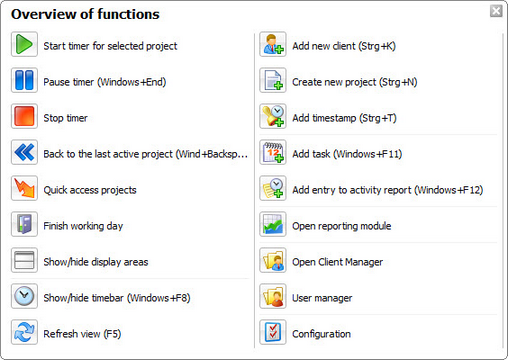
After you get to know Xpert-Timer better, you can hide the captions, to save some space:
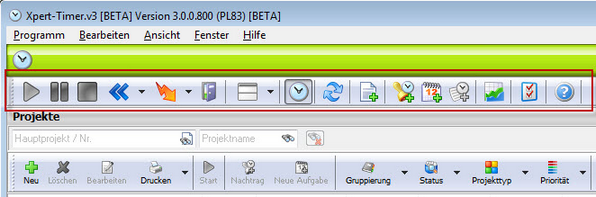
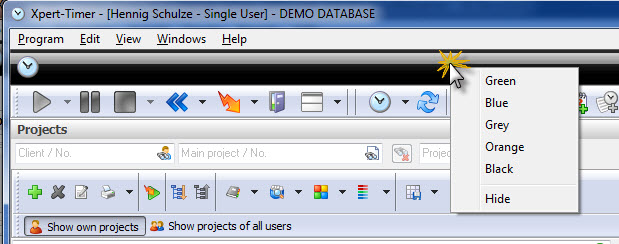
You can also change the looks of Xpert-Timer. Right click on the graphic and experiment with the colors. Choose the one you like best!